n8n Webhook Automation - Connect Any Tool Without Code
If you've ever needed two apps to talk and gave up because your Zapier bill hit $600 a month, n8n webhooks are the answer. A webhook in n8n is just a public URL that listens for data - when another tool sends something to it, n8n picks it up and pushes it wherever you want, no code required. Most agencies set the first one up in under fifteen minutes and never look back.
Below is the practical breakdown: what a webhook actually is, how to build one, the mistakes that will bite you, and where this fits into a real n8n automation stack in 2026.
|
Key Takeaways 1. A webhook is a listener URL. n8n gives you one; any tool that can send an HTTP request can trigger a workflow. That covers 99% of modern SaaS. 2. You don't need a developer for 80% of use cases. Drag, drop, map fields, done. 3. Self-hosting kills your recurring bill. Teams moving from Zapier or Make routinely cut $300–$1,200/month once volume climbs past a few thousand tasks. 4. Test mode ≠ Production mode. The single most common reason webhooks silently fail after go-live. 5. Webhooks are the entry point to AI agents. Every serious AI workflow — lead qualification, voice bots, content pipelines — starts with a webhook trigger. |
What Is an n8n Webhook, Really?
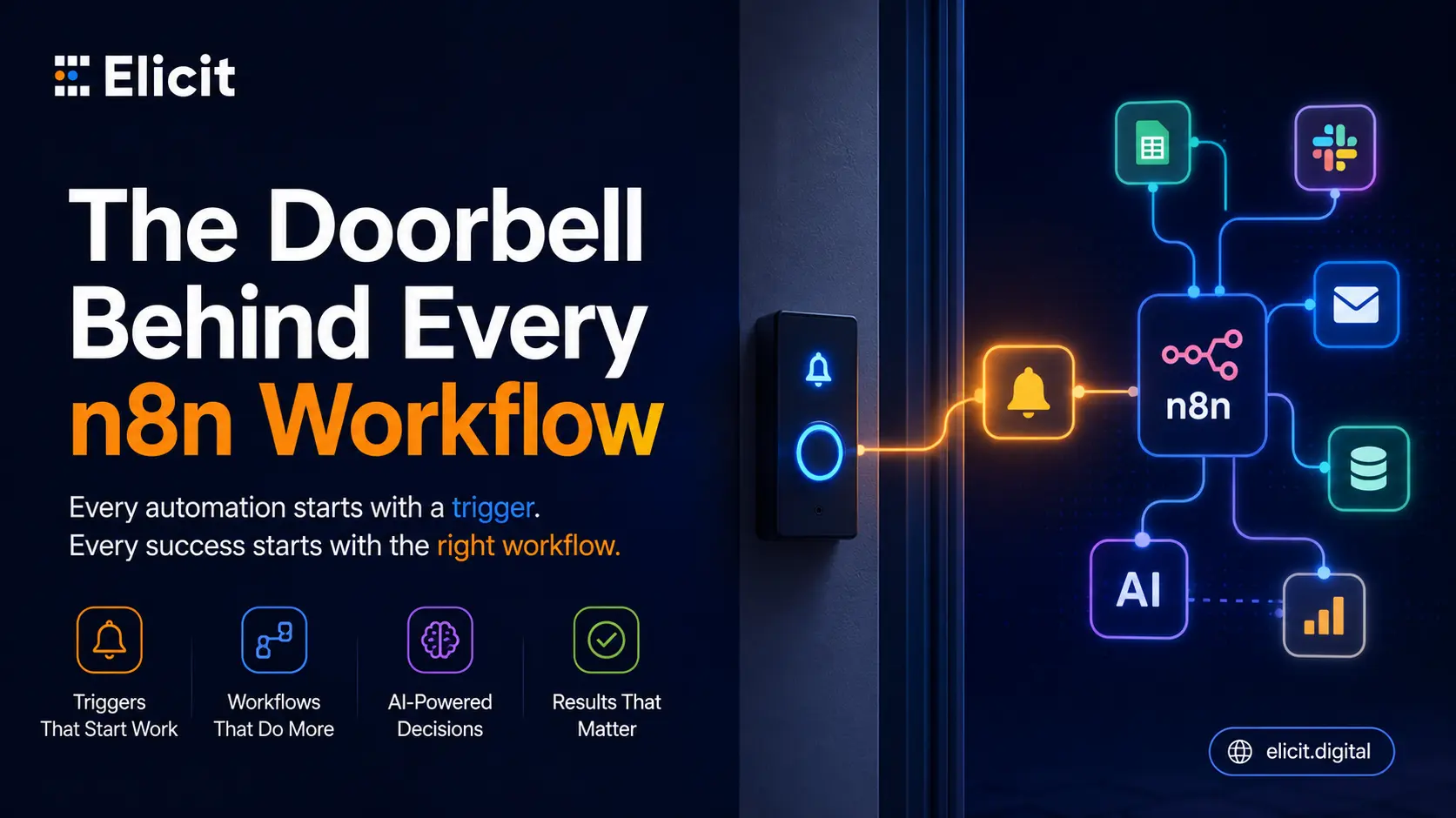
Think of a webhook as a doorbell. n8n gives you a URL like https://your-instance.app.n8n.cloud/webhook/abc-123. Any tool on the internet — Typeform, HubSpot, Stripe, Cal.com, WhatsApp, an internal script — can ring that doorbell by sending a POST or GET request. When it rings, n8n wakes up, reads the data, and runs the workflow behind it.
That's the whole concept. No polling, no scheduled checks, no "sync every 15 minutes" delays. It's real-time by default because the source tool initiates the conversation.
What makes this different from a native integration is that you're not stuck waiting for someone at n8n (or Zapier) to build a connector for a niche tool. If the tool has webhooks — and almost every serious tool built after 2018 does — you can plug it in. This is why n8n workflow automation has become the default choice for agencies handling clients across dozens of unusual SaaS platforms.
Why Agencies Are Switching to n8n for Webhook Automation
The pricing math is the honest driver. Zapier's Team plan starts at $103.50/month for 2,000 tasks. n8n self-hosted is free - a $5 DigitalOcean droplet runs unlimited workflows. n8n Cloud starts at €20/month with far more generous execution limits.
But the deeper reason is control. Zapier hides the logic inside pretty cards. n8n shows you the JSON, lets you drop JavaScript into a node when needed, and gives you version control if you self-host. When a client asks "why did this lead not sync last Tuesday?", you can actually answer.
A few numbers worth knowing. n8n crossed 400,000 GitHub stars in Q1 2026. The 2025 State of AI Automation Report found that 68% of agencies running more than 50,000 tasks/month have moved workflows to n8n or Make in the past 18 months. n8n's built-in AI nodes now support GPT-5, Claude Opus 4.7, Gemini 2.5, and any OpenAI-compatible endpoint — meaning a webhook can trigger a Custom AI Agent without leaving the canvas.
The point isn't that n8n is objectively better than Zapier. For a small business with five two-step Zaps, Zapier is fine. Once your Automation needs cross a complexity threshold — branching logic, AI calls, high volume — n8n stops feeling like a toy and starts feeling like infrastructure.
How to Set Up Your First n8n Webhook (5 Steps)
Here's the exact sequence.
Step 1 — Add a Webhook node. New workflow, click +, search "Webhook", drop it in. This is your trigger.
Step 2 — Copy the Test URL. The node shows two URLs: Test and Production. Copy the Test one for now.
Step 3 — Send a test request. In the source tool (say, Typeform's webhook settings, or a quick curl) paste the Test URL as the destination. Submit a form entry or fire the curl. n8n shows the incoming payload on the canvas — every field, ready to map.
Step 4 — Add downstream nodes. Connect what you want done with the data. HubSpot to create a contact. Slack to send an alert. Google Sheets to log. OpenAI to summarize.
Step 5 — Switch to the Production URL and activate. The step everyone forgets. The Test URL only works while you're clicking "Listen for Test Event" — the moment you close the workflow, it's dead. Toggle to "Active", swap the URL in your source tool for the Production URL, and you're live.
If you need branching (send high-value leads to sales, low-value to a nurture sequence), drop in an IF node. If you need to call a language model, use the AI Agent node - it integrates with any advanced n8n workflow and provides full memory, access to tools, and structured output without code.
What You Can Actually Build (Real Use Cases)
Webhooks unlock every category of automation an agency is likely to sell. A few we've deployed for clients this year:
Lead-to-CRM routing. A form on the client's site fires a webhook → n8n enriches the lead via Clearbit → scores it using GPT-5 against an ideal-customer-profile prompt → writes to HubSpot with a priority tag → Slacks the sales rep if the score is above 80. End-to-end latency: under 4 seconds. This is the backbone of any modern Customer Automation stack.
Voice AI booking flows. Twilio webhook fires when a call comes in → n8n routes to a Calling AI Agent node running on GPT-5 Realtime → the agent qualifies, books via Cal.com API, and drops a summary into the CRM. Dental clinics and real estate brokers are hitting 80%+ pickup rates on inbound this way.
Payment-triggered onboarding. Stripe webhook on checkout.session.completed → n8n generates a personalized welcome PDF → sends via SendGrid → creates a project in Notion → posts to #new-client in Slack. What used to be a 30-minute manual checklist runs in 6 seconds and never gets skipped.
Content-to-social pipelines. New row in an Airtable content calendar → webhook fires → n8n generates image via Ideogram, writes captions via Claude, schedules to Meta and LinkedIn. One approval, four platforms.
The pattern is the same in every case: something happens → webhook fires → n8n orchestrates → outputs land where they need to.
Common Mistakes That Break n8n Webhooks
Five things I see agencies get wrong constantly:
1. Using the Test URL in production. Already mentioned, worth repeating. Test URL dies the moment you close the editor tab.
2. No error handling. If the third node in your chain fails, the whole run dies silently unless you've added an Error Trigger workflow. Add one. Route failures to a Slack channel called #automation-alerts.
3. Not handling duplicate deliveries. Stripe, Shopify, and most webhook senders retry on failure - sometimes multiple times. Add a dedupe step (check by event ID against a database or Redis), or you'll double-charge, double-book, double-email.
4. Public webhook URLs with no auth. Anyone can hit your URL if they find it. Enable Header Auth on the webhook node and require a shared secret from the sender. Non-negotiable in 2026.
5. Running heavy AI calls inline. If your webhook triggers a 40-second OpenAI process, the source tool times out at 30 seconds and retries. Wrap slow work behind a queue (Split In Batches + Wait, or offload to a second workflow via HTTP Request).
When to Bring in an n8n Expert
Simple two-step webhooks form to CRM, payment to Slack are DIY territory. But the moment you're chaining AI agents, handling high-value transactions, or building anything client revenue depends on, the cost of a broken workflow outweighs the cost of doing it right. That's when a proper n8n expert earns their fee inside the first month.
Where we see the biggest gains: consolidating fragmented Zapier/Make stacks into one n8n instance, adding monitoring and error handling to existing workflows, and building AI-agent layers on top of webhook triggers. If that sounds familiar, our n8n expert service covers audit, migration, and build.
FAQ
What's the difference between a webhook and an API in n8n?
A webhook is inbound - another tool pushes data to n8n when something happens. An API call (HTTP Request node) is outbound - n8n pulls or pushes data on your schedule. Most workflows use both.
Do I need to self-host n8n to use webhooks?
No. n8n Cloud supports webhooks on all paid plans starting at €20/month. Self-hosting is the choice when you need unlimited executions or want your data on your own server.
Can n8n webhooks handle high traffic?
Yes. A properly configured self-hosted n8n instance on a $20/month server routinely handles 100,000+ webhook events per day. Cloud plans scale further.
Is n8n really no-code?
For 90% of use cases, yes - drag, drop, map fields. The other 10% (custom transformations, unusual API auth) may need a two-line JavaScript snippet inside a Code node. If you can write an Excel formula, you can write these.
How secure are n8n webhooks?
Secure when you enable Header Auth, HMAC signature verification, or IP whitelisting. Insecure by default if you skip all three. Always enable at least one.
|
Ready to Stop Duct-Taping Your Stack Together? Your business runs on the flow of data between tools. Every hour that flow is manual, or breaks silently is revenue leaking out. We build production-grade n8n workflows that connect your CRM, ad platforms, AI agents, and every custom tool in between and monitor them so you don't have to. 👉 Get n8n Expert Service — free 30-minute audit of your automation stack. |