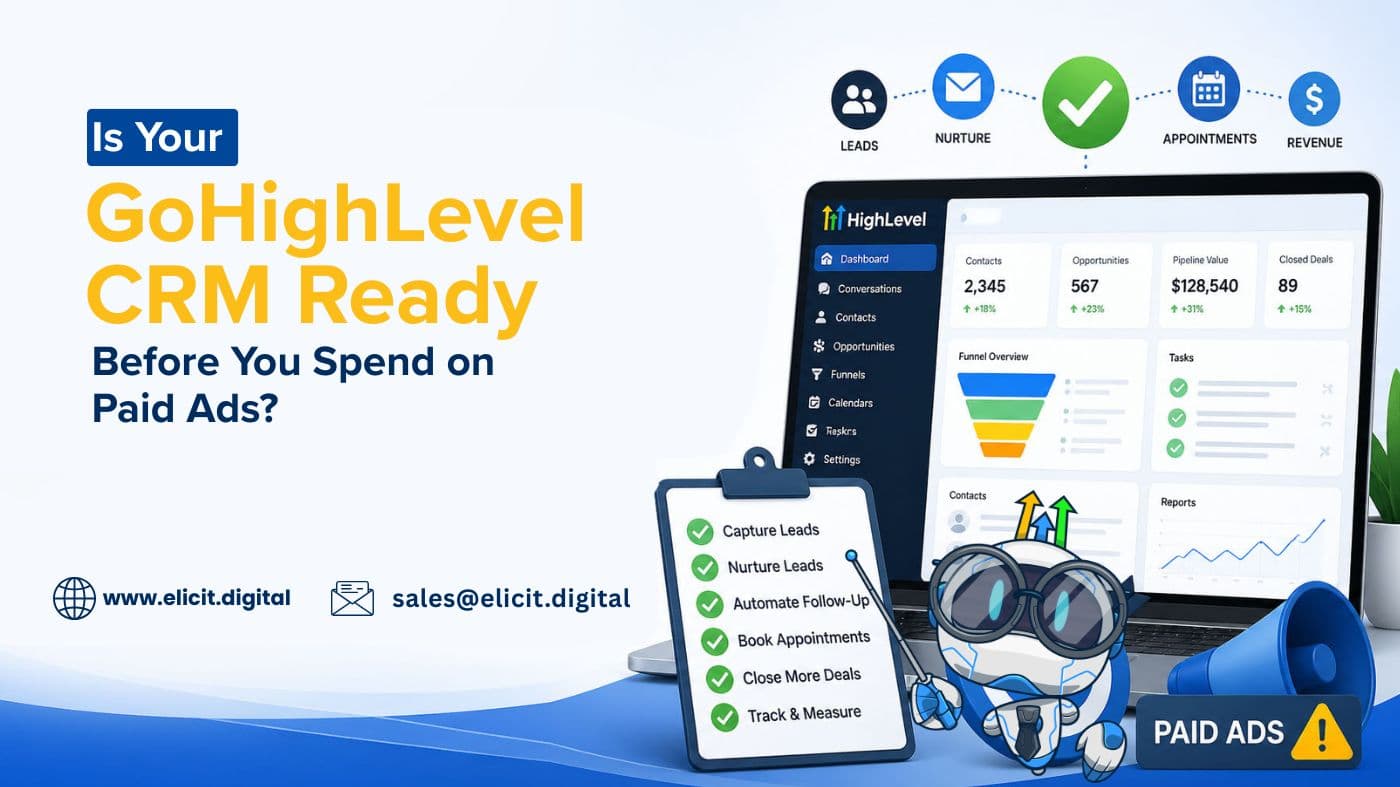
GoHighLevel CRM Setup Checklist: What Every Business Must Automate Before Running Ads
Key Takeaways
- Paid ads fail faster when the backend CRM is not built to respond instantly.
- A properly configured GoHighLevel CRM protects ad spend from lead leakage.
- Speed-to-lead automation is one of the biggest factors in paid campaign ROI.
- Businesses need follow-up, pipeline, and appointment systems before scaling traffic.
- Running ads without CRM readiness usually increases cost per lead without increasing conversions.
Most businesses think paid advertising starts with better creatives, sharper targeting, or a bigger budget.
In reality, profitable ad campaigns often begin somewhere less visible — inside the CRM.
Because when a lead clicks your ad, fills out your form, requests a quote, or books a consultation, the real conversion process starts after the inquiry enters your system.
A properly configured GoHighLevel CRM is no longer just a lead storage tool. It is the response engine that determines whether your ad spend produces conversations, appointments, and closed deals — or just a dashboard full of cold inquiries. That is exactly why businesses investing in paid traffic are now focusing heavily on GHL CRM integration and backend automation before they scale campaigns.
Smart brands usually begin with GoHighLevel CRM setup services that align forms, workflows, appointments, and lead response before a single ad rupee is spent.
Paid ads do not fail only because of targeting mistakes. They fail when the CRM behind the campaign is too slow to convert buying intent.
Businesses should set up GoHighLevel CRM before running paid ads because ad leads convert poorly when follow-up automation, appointment reminders, sales routing, and nurture workflows are not already functioning. A properly configured CRM protects ad spend by improving response speed and reducing lead leakage.
Why Running Ads Without CRM Preparation Wastes Budget Faster Than Most Businesses Realize
On paper, ads generate leads.
But leads alone do not generate ROI.
The moment a user submits a form from Google Ads, Facebook Lead Ads, landing pages, or website campaigns, they expect acknowledgment almost instantly.
If that does not happen, intent drops fast.
A delayed callback. No confirmation SMS. No immediate email. No sales rep assignment.
The lead enters the CRM, but the momentum disappears.
Without proper sales automation, every paid lead becomes dependent on manual speed, manual reminders, and manual follow-up consistency — which is exactly where conversion rates start collapsing.
This is where professionally deployed CRM automation systems protect campaign ROI by removing human delay from the first contact point.
Businesses assume the ad platform is underperforming. In many cases, the ad did its job. The backend sales system did not.
Businesses Are Not Losing Leads at the Ad Click — They Are Losing Them After Submission
A prospect clicked because they had an interest.
A prospect filled the form because they had intent.
But after that point, if the CRM does not move quickly, the inquiry cools down.
A partially built Go High Level CRM account that simply stores contacts is not enough. It must trigger action through instant acknowledgment, internal sales routing, and automated nurture workflows.
The first 5–10 minutes after lead submission often decide whether:
- The customer answers your call,
- The customer replies to your text,
- The customer remembers your offer,
- The customer books a consultation,
- or the customer moves to the next provider.
Backend speed decides whether ad intent survives.
The Core GoHighLevel CRM Setup Every Business Needs Before Paid Campaigns Go Live
Before running ads, the CRM should already be functioning like an automated response desk.
Businesses relying on disconnected tools often miss the efficiency of GoHighLevel workflow automation, where lead capture, team alerts, reminders, and nurture actions all run from one place.
Centralized lead capture automation always outperforms scattered manual lead handling once ad volume starts increasing.
1. Lead Capture Integration Across Every Form Source
Every source must flow into one unified CRM environment:
- Facebook lead forms
- Google landing pages
- website inquiry forms
- booking widgets
- funnel opt-ins
- WhatsApp click forms
This GHL CRM integration ensures that no inquiry is sitting outside the automation system.
2. Instant Response Workflow Automation
This is where workflow automation protects the first stage of customer intent.
- thank-you SMS,
- email acknowledgment,
- internal team notification,
- lead source tagging,
- pipeline stage entry.
3. Sales Rep Assignment and Speed-to-Lead Task Routing
Every lead needs an assigned owner, a call deadline, a reminder task, and escalation if untouched. This creates accountability and faster action.
4. Appointment Booking and Reminder Sequence
- booking confirmations,
- reminder SMS,
- reminder emails,
- reschedule prompts,
- no-show follow-up.
This is why ad-driven businesses increasingly invest in appointment automation workflows before launching consultation campaigns.
5. No Response and Cold Lead Nurture Campaigns
- follow-up SMS,
- educational emails,
- reminder offers,
- re-engagement messages,
- long-term nurture.
This is where GHL marketing automation starts recovering ad dollars that would otherwise disappear.
Why Most Businesses Build the CRM After Launching Ads — and Why That Hurts ROI
This happens constantly.
A company hires an ad manager. Campaigns go live. Leads start entering. Then suddenly everyone realizes follow-up is slow, appointments are missed, reporting is unclear, and lead sources are messy.
Now the team starts patching the CRM while spending on ads.
Ads are amplifiers.
If the backend system is weak, even expensive campaigns struggle — which is why many brands now audit paid lead conversion workflows before scaling ad budgets.
If the backend system is efficient, ads amplify revenue opportunity.
How a Properly Built GoHighLevel CRM Improves Paid Campaign ROI
A professionally configured CRM does not magically lower ad costs.
It improves what happens after the click:
- faster response time,
- more conversations started,
- more appointments booked,
- fewer forgotten inquiries,
- stronger lead reactivation,
- cleaner sales visibility.
This is where ghl crm integration becomes a direct profitability decision — not just a software setup task.
What Businesses Should Audit Before Spending the First Dollar on Ads
- Are all forms connected to one CRM?
- Does every inquiry trigger an instant response?
- Is every lead assigned to a sales owner?
- Are appointment reminders automated?
- Are cold leads nurtured automatically?
- Can management track source-to-close visibility?
- Are missed calls followed by text-back workflows?
If two or three of these are missing, the CRM is not ad-ready yet.
Why More Businesses Are Treating CRM Setup as Part of Paid Ad Strategy
Smart businesses are no longer separating ads team, CRM team, and sales team because the customer journey does not happen in silos.
The ad creates interest. The CRM captures momentum. The sales workflow converts an opportunity.
That is one connected path.
This is why more brands are now treating GoHighLevel CRM setup as a pre-campaign revenue system — not a post-campaign admin task.
Is Your GoHighLevel CRM Ready Before You Spend on Ads?
If paid leads are entering your business but conversions still feel inconsistent, the issue may not be ad targeting alone — it may be CRM readiness.
Our team helps businesses build GoHighLevel CRM automation systems, response workflows, appointment automations, sales routing, nurture campaigns, and backend optimization before ad scale.
Book CRM Audit
Get Paid Ads Readiness Review
Talk to a GoHighLevel Automation Expert
Frequently Asked Questions
Because ad leads convert poorly when response systems, reminders, and follow-up automation are not already functioning.
Lead capture forms, workflow triggers, sales tasks, appointment reminders, nurture campaigns, and reporting visibility.
Yes. Faster response and stronger follow-up often improve lead handling more than increasing ad spend.
Slow manual follow-up and unassigned leads are among the most common conversion killers.
Yes. We build complete backend CRM systems designed to support paid lead generation and long-term automation.